SCREENDRAWIYAGI / WINDOWS + LINUX
Point at whatyou’re saying,right on screen.
Draw pens, arrows and highlights over any app, slide or video — for presentations, teaching and screen sharing.
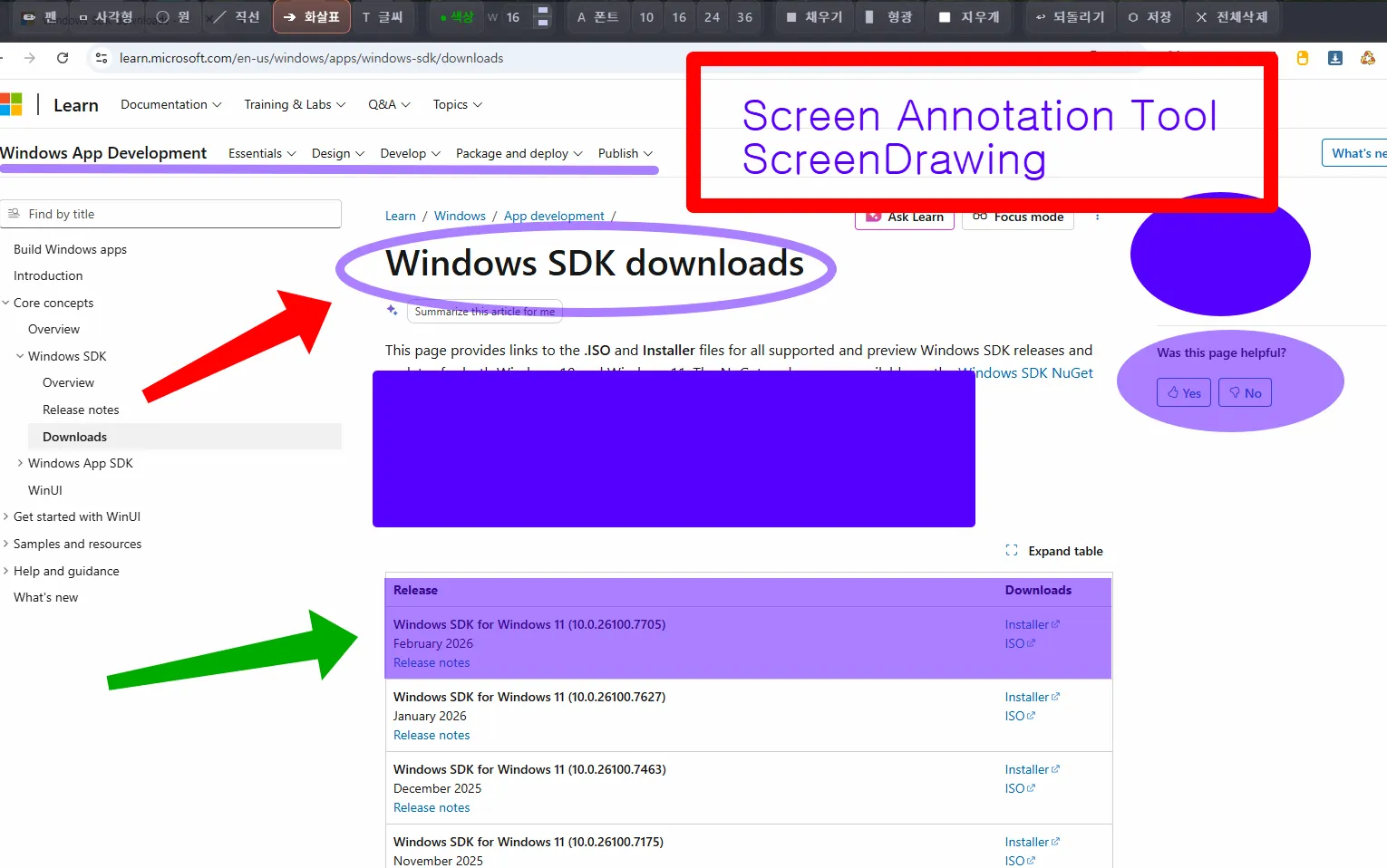
Key features
Pen and highlighter
1–120px, any color
Shapes and text
Arrows · boxes · circles · text
Emoji stamps
Over 400 stamps, one click
Click through
Use the app below, then keep drawing
Transparent PNG
Save just what you drew
No more “where?”.
Hold Ctrl to erase, Shift for straight lines, press C to clear — quick enough for live use.
Real screenshots
ScreenDrawIyagi · Download
Get the file for your system from the official channel.
Packages: .deb (Ubuntu, Debian), .rpm (Fedora), .pkg.tar.zst (Arch), AppImage and zip. The download page explains which one fits your system. All installers