
PDFIYAGI / WINDOWS + LINUX
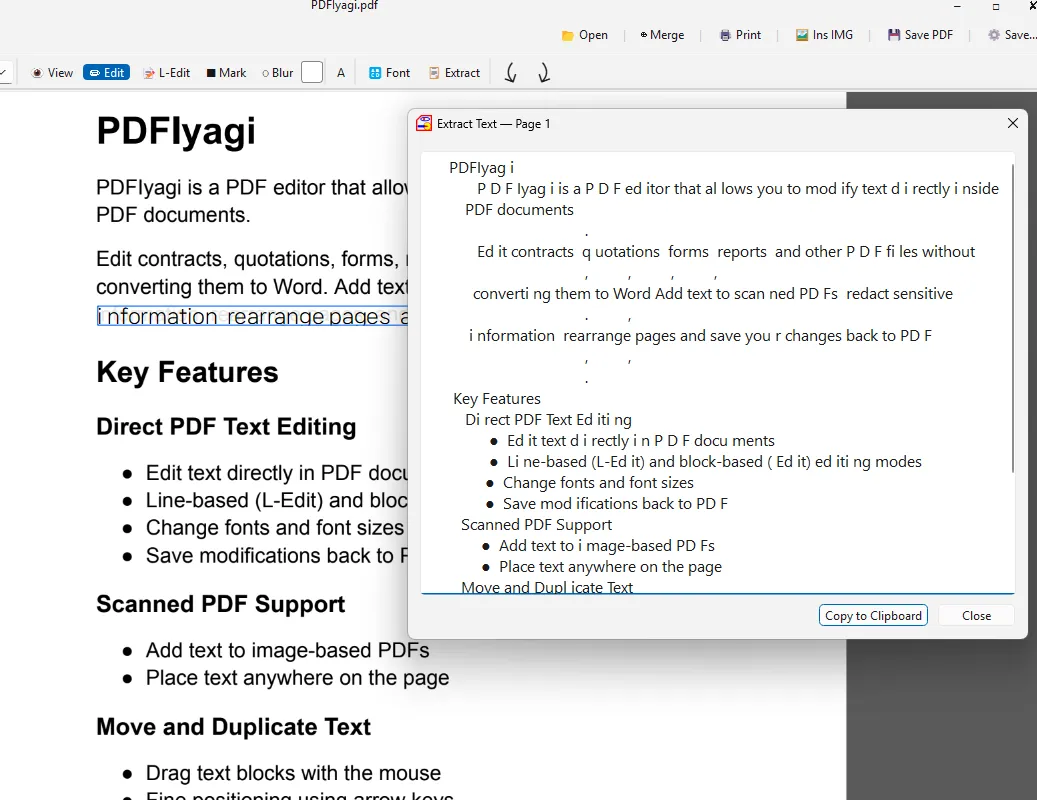
Edit the textright whereit already is.
Click a line in an existing PDF and type. Signatures, stamps, redaction and OCR in one program.
Key features
Edit the text itself
Click a line and type
Signatures and stamps
Place an image where you need it
Built-in OCR
Make scanned paper searchable
Scanner support
Multi-page ADF scanning
Redaction
Permanent removal marks and blur
Edit it, don’t paint over it.
Not a white box with new text on top — the original text is changed.
Real screenshots
PDFIyagi · Download
Get the file for your system from the official channel.
Packages: .deb (Ubuntu, Debian), .rpm (Fedora), .pkg.tar.zst (Arch), AppImage and zip. The download page explains which one fits your system. All installers